

Understanding how to classify the components of a software applications is a fundamental concept in computer science, software engineering, and information technology. Proper classification helps developers, students, architects, and IT professionals design scalable systems, optimise maintenance and security, and make informed decisions about licensing and deployment.
What Does “Classifying Software Applications Components” Mean?
The classification of software application components refers to the organisation of software components based on their functions, roles, architectures, domains, platforms, and licensing models.
This classification answers basic questions such as:
- What type of software is it?
- Which component manages user interaction?
- Where is the data processed?
- Who uses this software?
- How is it licensed and distributed?
- What industry or sector does it serve?
By dividing software into categories and components, designers can design systems that are easier to comprehend, build, secure, and maintain.
1 Main Classification of Software
At the highest level, software is divided into three main categories:
| Category | Purpose | Examples |
| System Software | Manages hardware and system resources | Windows, Linux, macOS |
| Software Applications | Performs user-oriented tasks | MS Word, Chrome, Photoshop |
| Programming Software | Used to create other software | VS Code, Eclipse, GCC |
Each category has a unique role in the computing ecosystem.
2 Components of a Software Applications
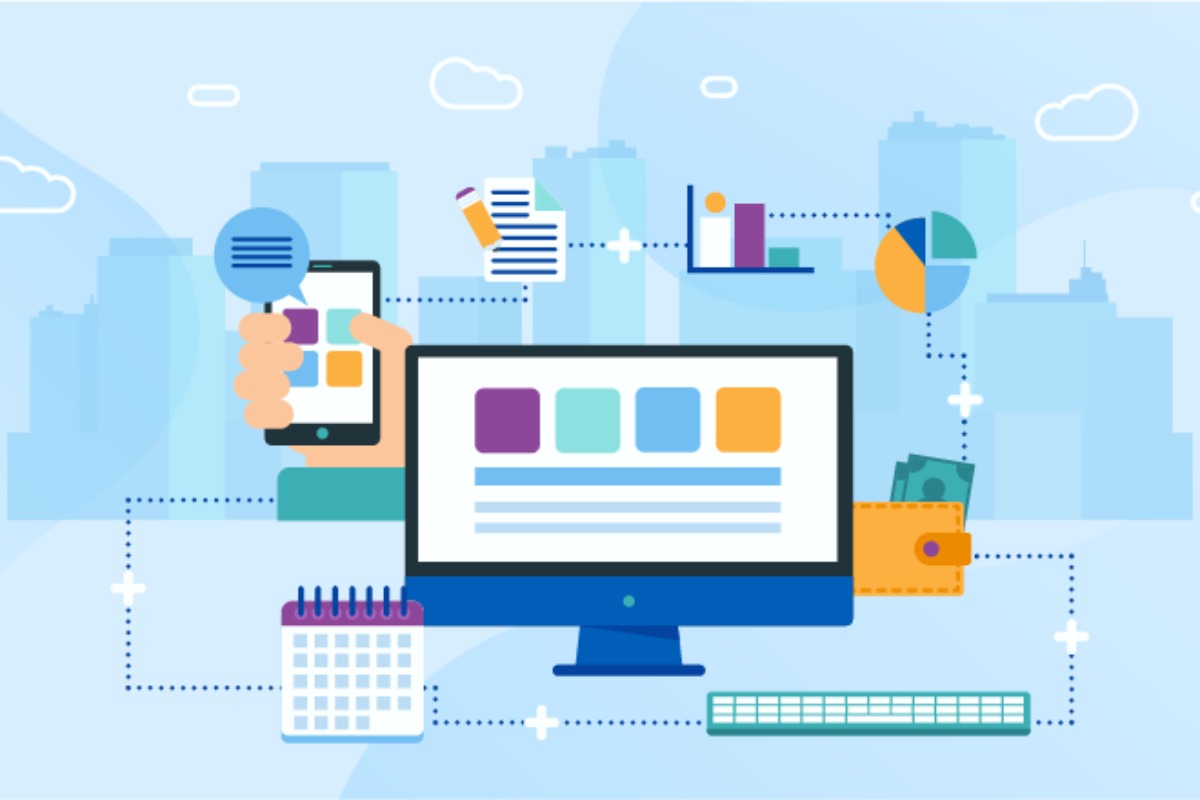
How to Classify Software Applications Components. Software application components consist of many interrelated parts. These components are classified during system design to ensure modularity and scalability.
1. User Interface (UI) Component
- Screens, buttons, forms, menus
- Web page or mobile app designs
- Manages the interaction between users and the system
- Example: Login screen of a mobile banking application
2. Business Logic Component
- Basic rules and logic for decision-making
- Manages calculations, workflows, and validation
- Example: Interest calculation in banking software
3. Data Access Component
- Manages communication with databases
- Performs data retrieval, insertion, and updating
- Example: SQL queries or ORM layers like Hibernate
4. Database Components
- Stores structured or unstructured data
- Can be relational or NoSQL
- Examples: MySQL, PostgreSQL, MongoDB
5. Integration Components
- Enables interaction with external systems
- Uses third-party APIs and services
- Examples: Payment gateways, cloud storage APIs
6. Security Components
- Authentication (login systems)
- Authorisation (role-based access)
- Data encryption and protection
7. Configuration Components
- Environment variables and settings
- System preferences and deployment configurations
3 Classification of Software Applications
Software Applications is further classified according to its purpose and use:
| Type | Description | Examples |
| Productivity Software | Improves efficiency | MS Office, Google Docs |
| Business Software | Manages enterprise processes | ERP, CRM |
| Educational Software | Learning and training | Moodle, Duolingo |
| Multimedia Software | Media creation and playback | Photoshop, VLC |
| Communication Software | Messaging and meetings | Zoom, Slack |
| Entertainment Software | Games and streaming | Steam, Netflix app |
4 Software Applications Domains (7 Major Domains)
In software engineering, applications are typically grouped into domains:
- Systems software domain: operating systems, drivers
- Enterprise information systems: ERP, accounting systems
- Engineering and scientific software: MATLAB, simulation tools
- Embedded software: IoT devices, home appliances
- Web applications: e-commerce platforms, portals
- AI and data science software: machine learning platforms
- Mobile applications: Android and iOS apps
Each domain has unique requirements, risks, and development practices.
5 Classification of Software Based on License
Software can also be classified by license model, which affects cost, usage rights, and distribution.
| License Type | Meaning | Examples |
| Open Source | Free with source code access | Linux, WordPress |
| Proprietary | Paid, closed source | Windows, Adobe |
| Freeware | Free to use, limited rights | Skype |
| Shareware | Trial-based software | WinRAR |
| SaaS (Subscription) | Cloud-based with recurring fees | Salesforce |
6 System Software Classification
System software ensures the proper functioning of hardware and applications.
This includes:
- Operating systems: Windows, Linux
- Device drivers: printers, graphics drivers
- Utility software: antivirus, disk cleanup tools
- Firmware: BIOS, embedded system firmware
7 Ways to Categorise Application Software
Application software can be classified according to:
- Function (business, education, entertainment)
- Platform (web, desktop, mobile)
- License (open source, SaaS)
- Sector (healthcare, finance)
- User type (business vs. consumer)
8 Software Engineering Courses Where Classification Matters
Software classification is a key topic in:
- Software Architecture
- Systems Design
- Requirements Engineering
- DevOps Engineering
- Cloud Computing
Understanding these concepts enhances both academic learning and professional practice.
9 Why Software Classification Matters
Proper software classification contributes to:
- Better system design
- Improved security planning
- Accurate cost estimation
- License compliance
- Easier software maintenance
- Clear career paths
Final Thoughts
Learning to classify software applications components provides a solid foundation in software engineering, systems architecture, and IT management. Whether you are a student, developer, or IT professional, understanding these classifications can help you effectively analyse, design, and manage modern software systems.
Mastering software classification is not just academic: it is a practical skill that contributes to better systems, smarter decisions, and stronger technical careers.
Frequently Asked Questions
What are the components of a software applications?
User interface components, business logic, database, data access, security, integration, and configuration.
What are the main classifications of software?
System software, application software, and programming software.
What are the seven domains of software applications?
System, business, engineering, embedded, web, AI/data science, and mobile.
How does a license classify software?
Open source, proprietary, freeware, shareware, and SaaS.